
Log out of CADchat
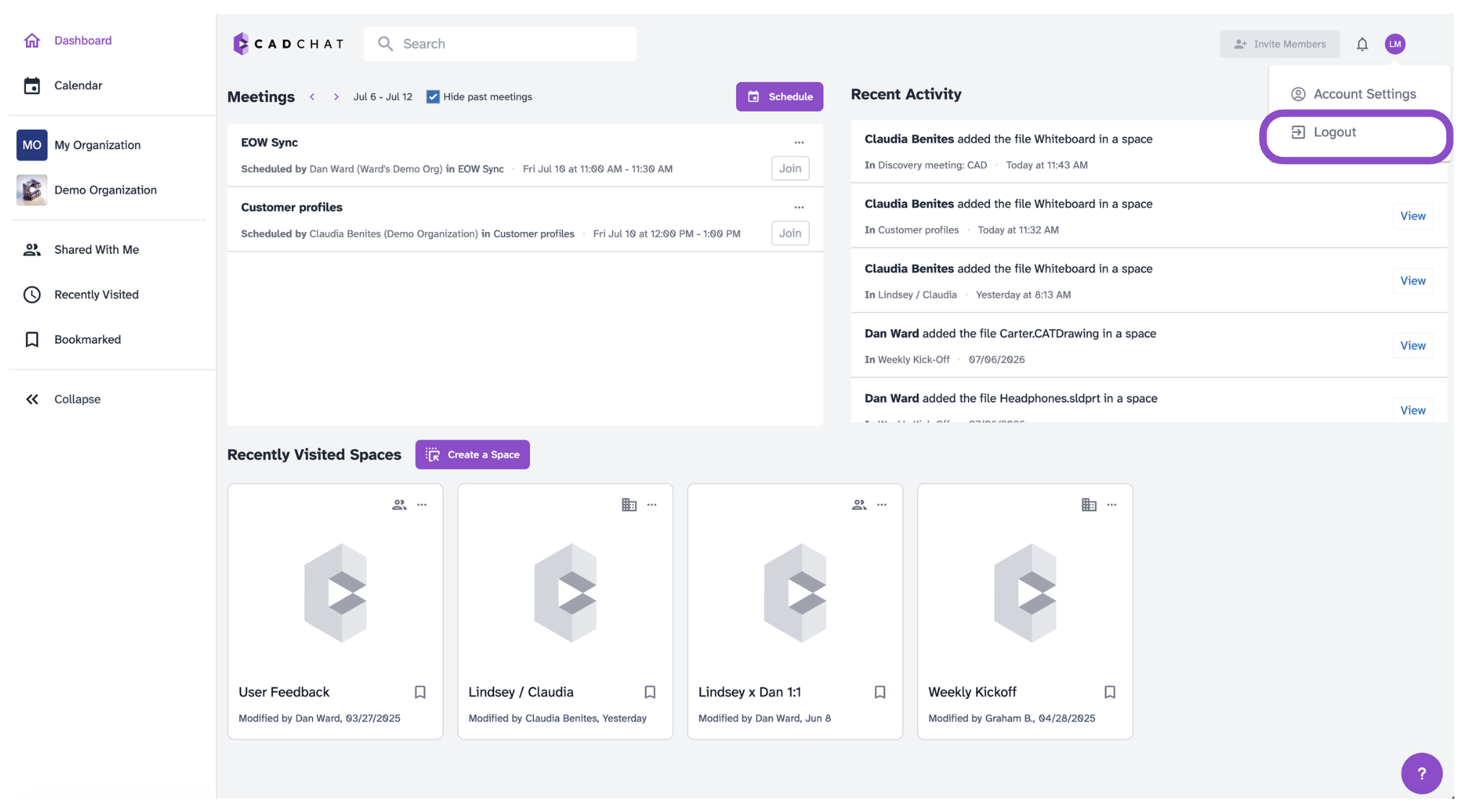
Log out of CADchat from your account menu in the top right corner of any page.
Log out
- Click your initials icon in the top right corner of any page.
- Click Logout.
Tips and edge cases
- Logging out ends your session on that browser and device.
- Any in-progress unsent messages may be lost, send or discard them before logging out.
- To log back in, go to app.cadchat.com.
- If you're automatically logged back in, your browser may have saved your credentials. Clear saved passwords in your browser settings to switch accounts.