
Set up your team as a GoEngineer customer
Before you start
This article only applies if your organization accesses CADchat through a GoEngineer Success Plan Plus subscription. If you signed up for CADchat directly, use set up your team instead.
Your organization's point of contact on the Success Plan Plus renewal is automatically given a CADchat seat, no invite needed for that first login. You must be an admin on your GoEngineer Customer Portal account to invite additional users.
Step 1: Open CADchat from the GoEngineer portal
- Log in to the GoEngineer Customer Portal.
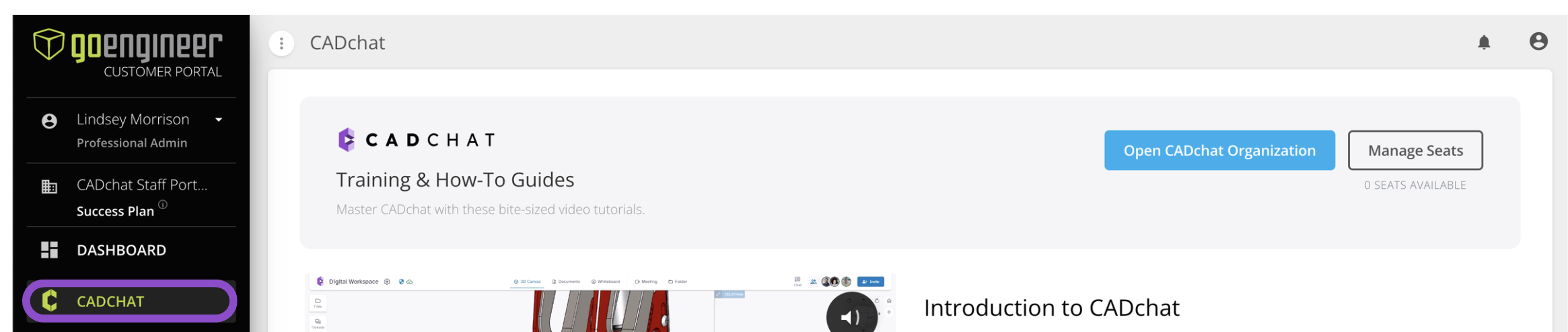
- In the sidebar, click CADCHAT.
This opens the CADchat overview page, with Open CADchat Organization and Manage Seats buttons at the top.
Step 2: Open your CADchat organization
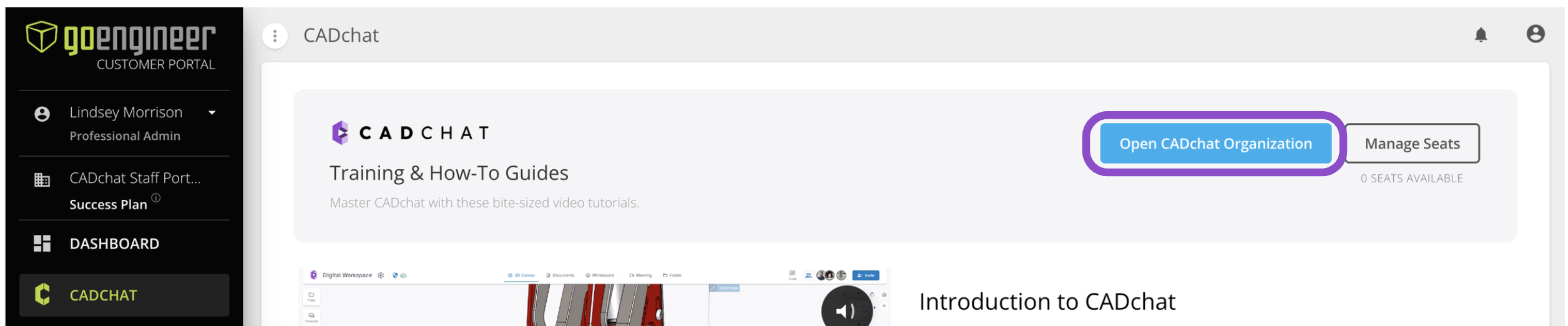
Click Open CADchat Organization. This opens the CADchat login page in a new tab.
Log in with your CADchat credentials to reach your organization's Dashboard. If you're the point of contact on the Success Plan Plus renewal, your seat is already provisioned, you don't need an invite to log in for the first time.
Step 3: Invite additional users
Anyone beyond the automatically provisioned point of contact needs to be invited. You can start this from either place:
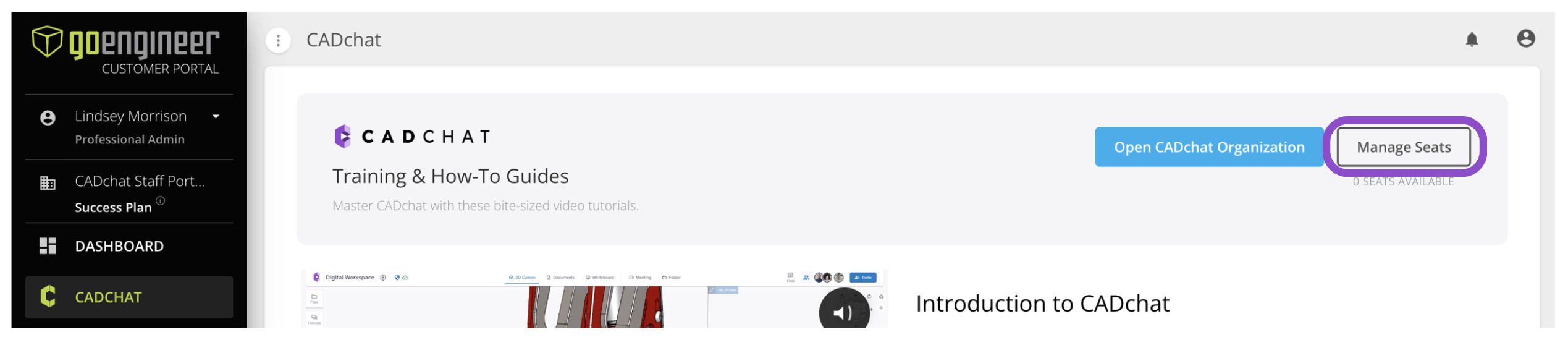
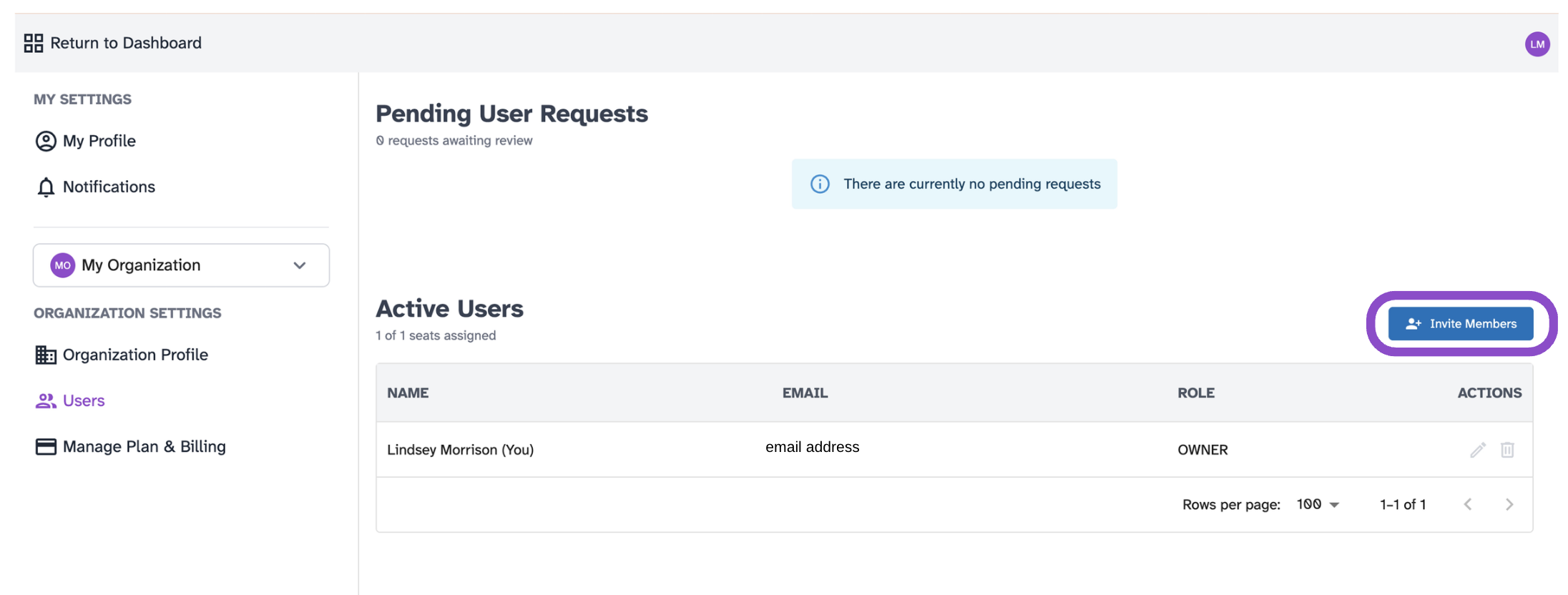
- In the GoEngineer portal, click Manage Seats. This takes you to the Users page inside CADchat, under Organization Settings.
- Or log in to CADchat directly and go to the Users page the same way.
From there, follow the instructions from Invite people to your organization and Manage Users, to invite members, assign roles, and invite people to spaces.
Tips and edge cases
- The number of seats available is set when your Success Plan Plus is provisioned. If the portal shows 0 seats available, this means all availabale seats have been assigned. Contact your GoEngineer representative to request more before inviting new members.
- Open CADchat Organization opens CADchat's standard login page, it does not automatically sign you in. Use your CADchat credentials, not your GoEngineer portal credentials.
- If you don't see a CADCHAT option in the portal sidebar, your account may not include CADchat access, contact your GoEngineer representative.