
Use the Meeting tab in a space
View, join, and schedule meetings tied to a specific space from the Meeting tab.
View and join meetings
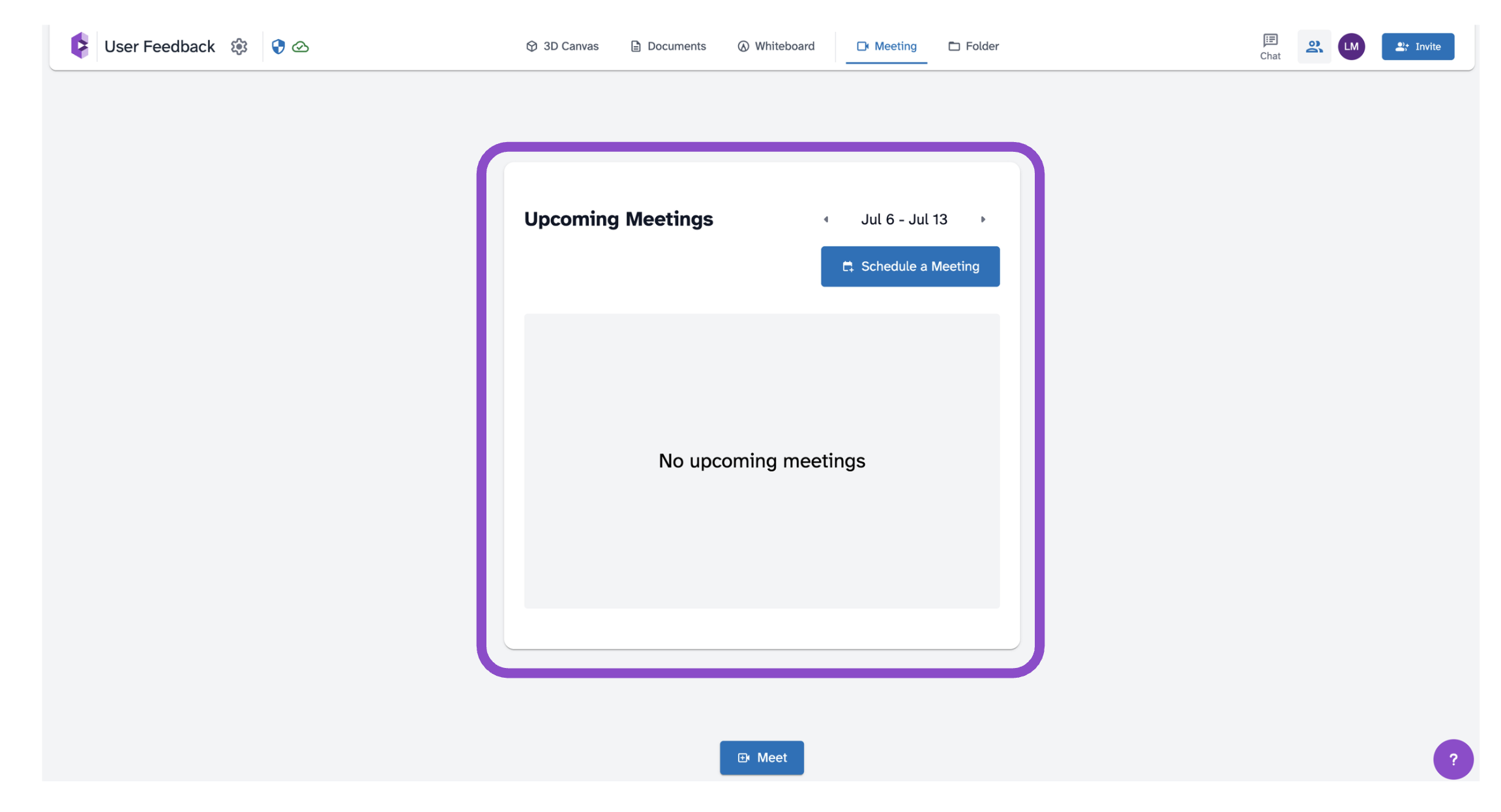
- Open a space and click the Meeting tab.
- The tab shows Upcoming Meetings for the current week. Use the < > arrows to browse other weeks.
- Click Join on any meeting card to enter the meeting room.
Schedule a meeting from this tab
Click Schedule a Meeting to open the meeting scheduler. The space is pre-selected as the meeting location. See Schedule a meeting for the full scheduling flow.
Tips and edge cases
- Only meetings linked to this specific space appear here. Meetings for other spaces appear on the Calendar page.
- Past meetings are not shown. Use the Calendar page to view meeting history.
- If no meetings appear, check other weeks or verify the meeting was created for this space.
- If Join is inactive, the meeting host may not have started the meeting yet.